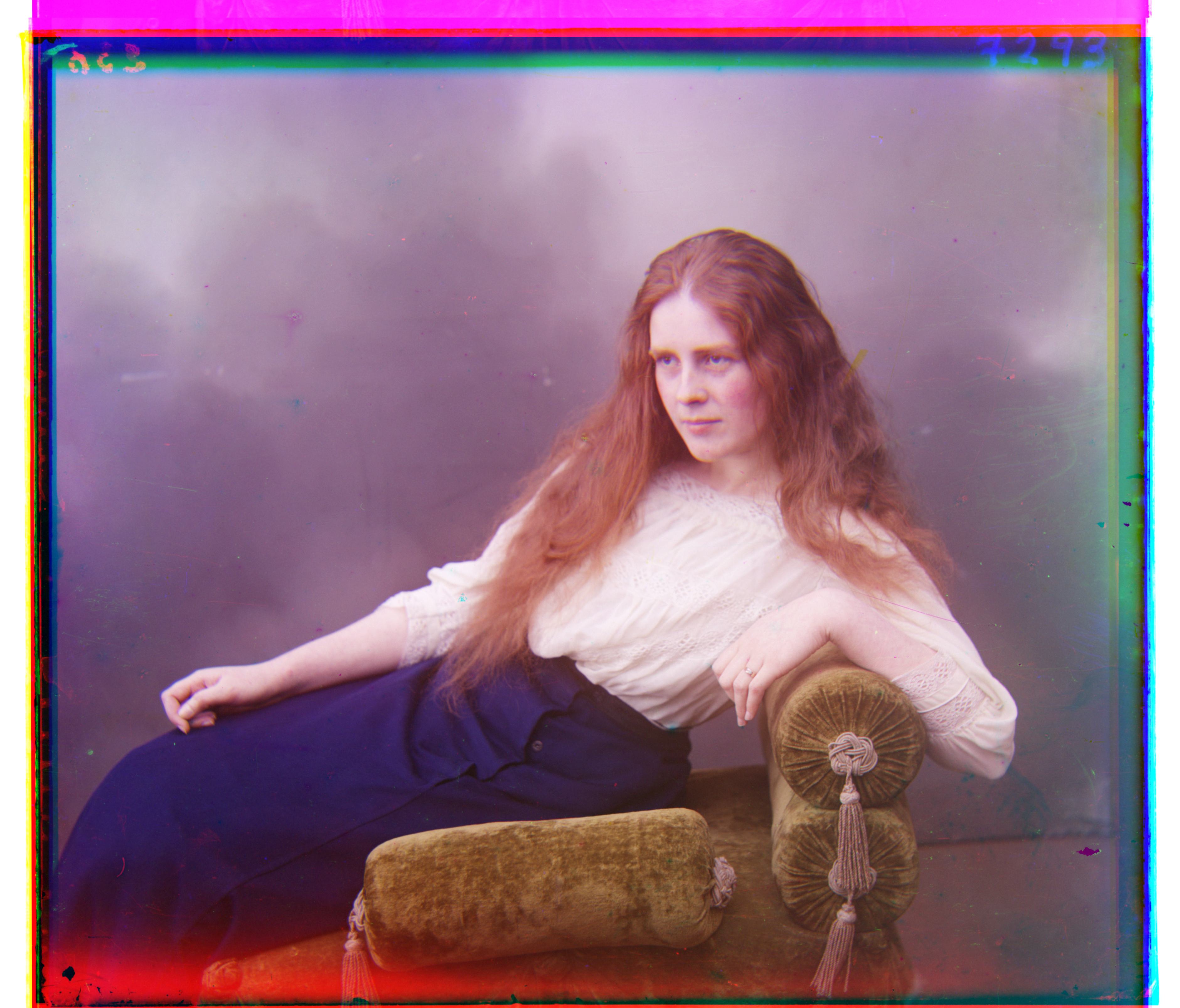
CS 180
Colorizing the Prokudin-Gorskii Photo Collection
By Evan Chang · CS 180 Project 1
Introduction
The Prokudin-Gorskii Photo Collection is a set of photos taken by Sergei Mikhailovich Prokudin-Gorskii in the early 1900s. The collection includes thousands of images of the Russian Empire, and is notable for being some of the first color photographs ever taken.
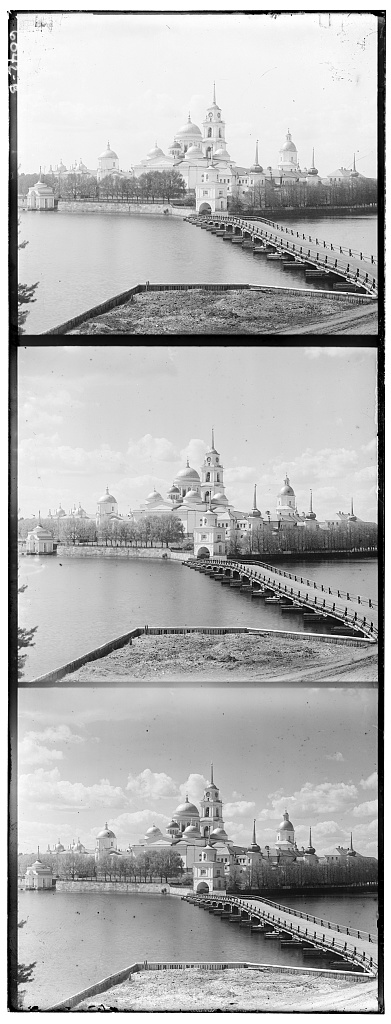
Despite the fact that there were no ways to display color images at the time, Prokudin-Gorskii was able to take color photographs by taking three separate black and white photographs of the same scene, each with a different color filter in front of the lens. These were later bought by the Library of Congress and digitized, and are now available to the public.
In this project, I colorized these images by aligning the three color plates and stacking them together to form a color image of the scene.
Naive implementation
I began with a naive approach to stitching the color plates. Simply stacking the three plates does not work well because they are not perfectly aligned.
I chose a reference frame (the blue frame) and aligned the other two frames with an exhaustive search over horizontal and vertical pixel shifts (for example from \(-15\) to \(15\)), maximizing a chosen metric.
SSD and NCC metrics
The two metrics I used were:
1. Negative sum of squared differences (NSSD)
\[ \text{NSSD}(u, v) = -\sum_{(x, y) \in N} [I(u + x, v + y) - P(x, y)]^2 \]
2. Normalized cross-correlation (NCC)
\[ \text{NCC}(u, v) = \frac{\sum_{(x,y)\in N} (I(u+x,v+y) - \bar{I})(P(x, y) - \bar{P})}{\sqrt{\sum_{(x, y) \in N} \left[I(u+x, v+y) - \bar{I}\right]^2 \sum_{(x, y) \in N} \left[P(x, y) - \bar{P}\right]^2}} \]
Because the edges of the image were not consistent and included slight shifts and imperfections, I used the inner 85% of the image instead of the whole image.
On small images, both metrics performed comparably and both were clearer than stacking with no shift. I used the NCC metric for all later steps.
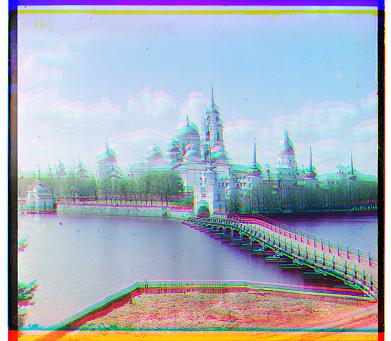
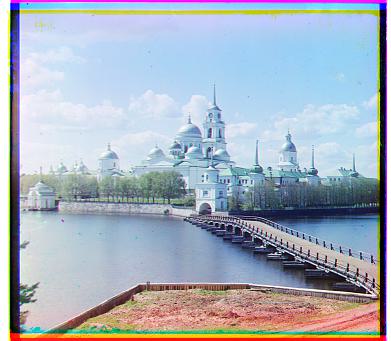
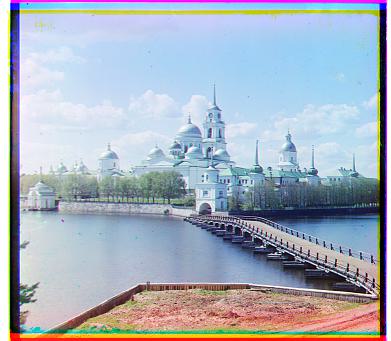
Image pyramid implementation
While the naive method works on small images, larger images need search widths on the order of 100+ pixels, which is too slow for exhaustive search.
I implemented an image pyramid: repeatedly downsample by a factor of 2 until the shortest axis is around 32 pixels, search for the best shift at the smallest scale, then refine at each larger scale.
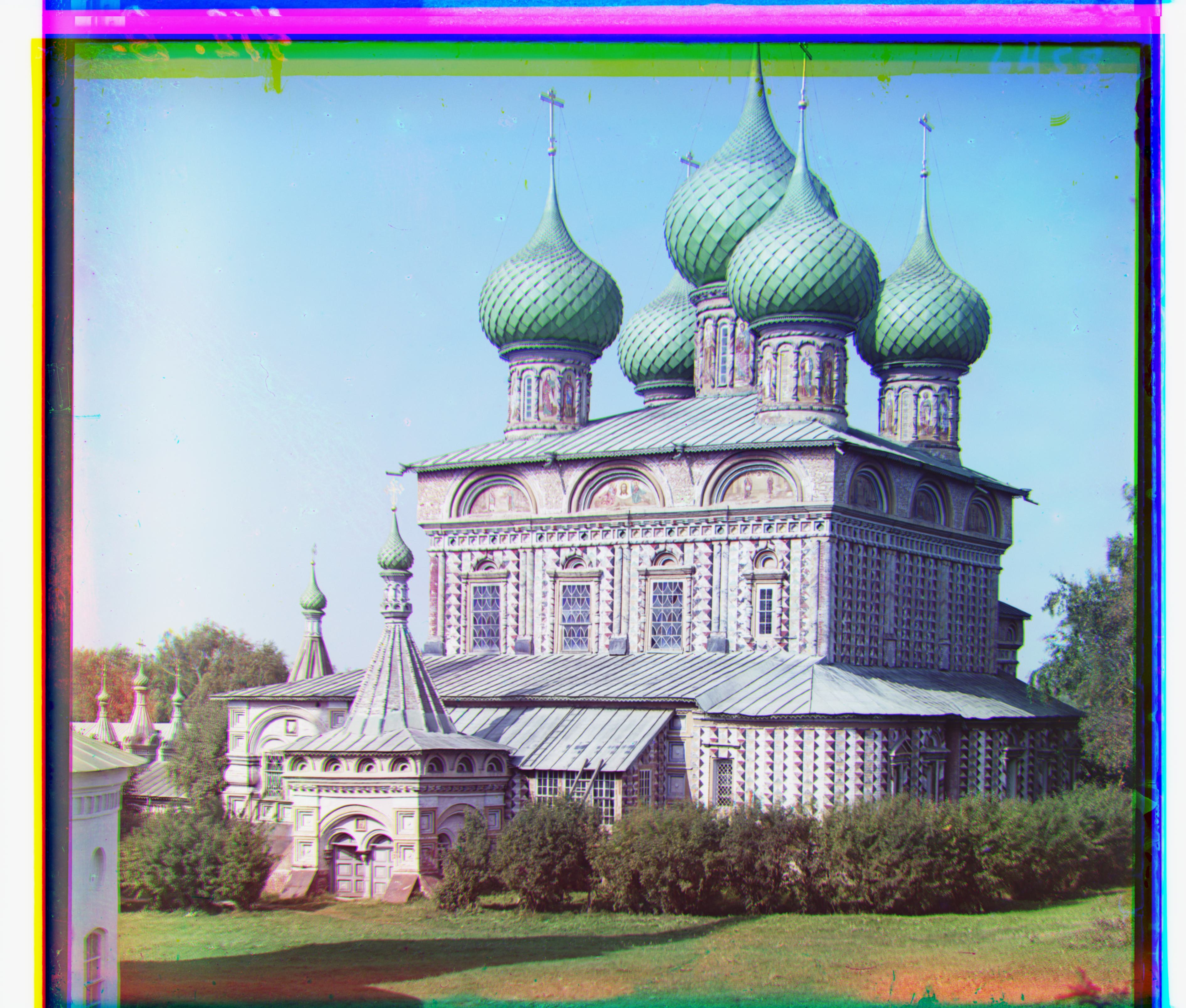
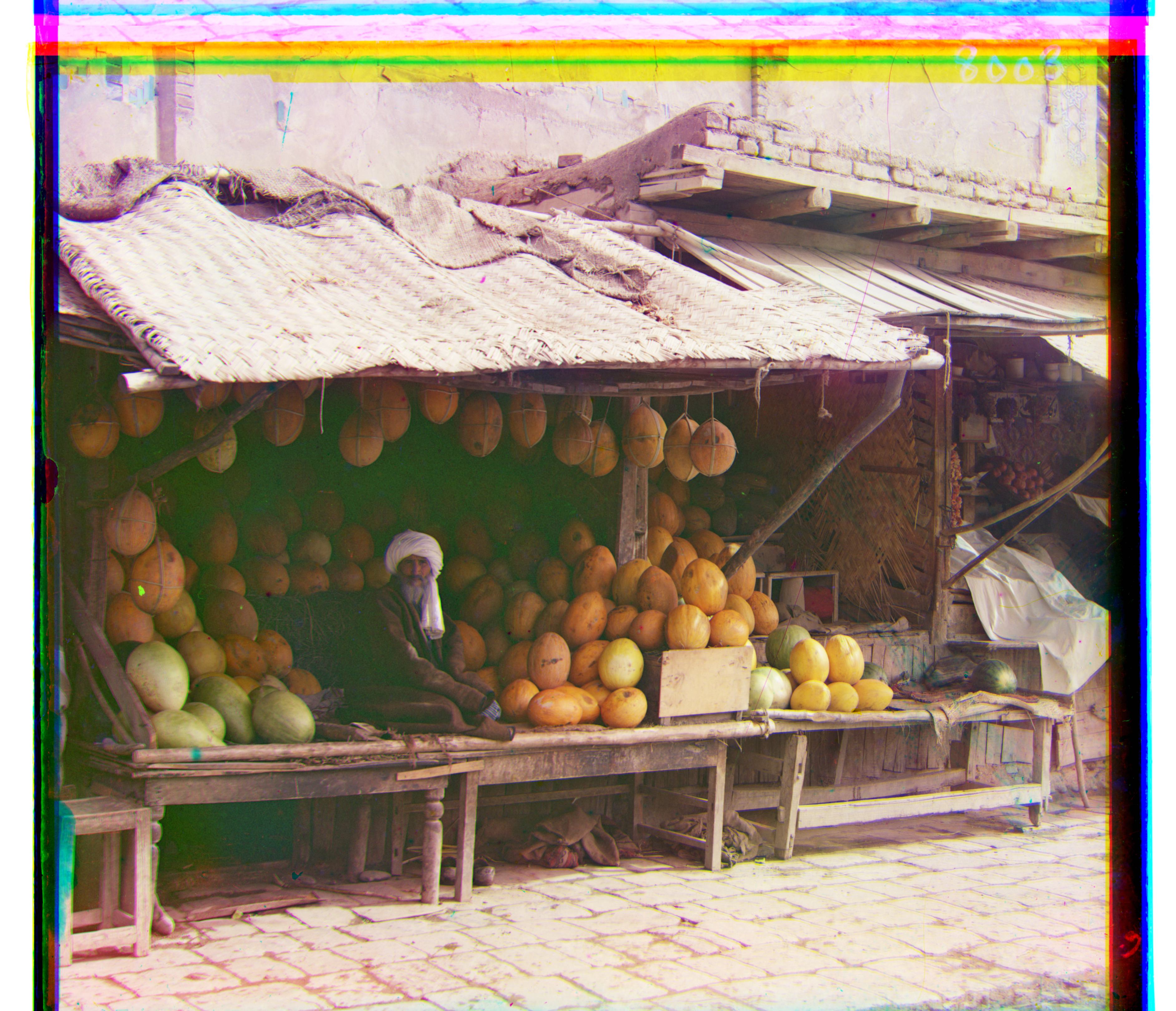
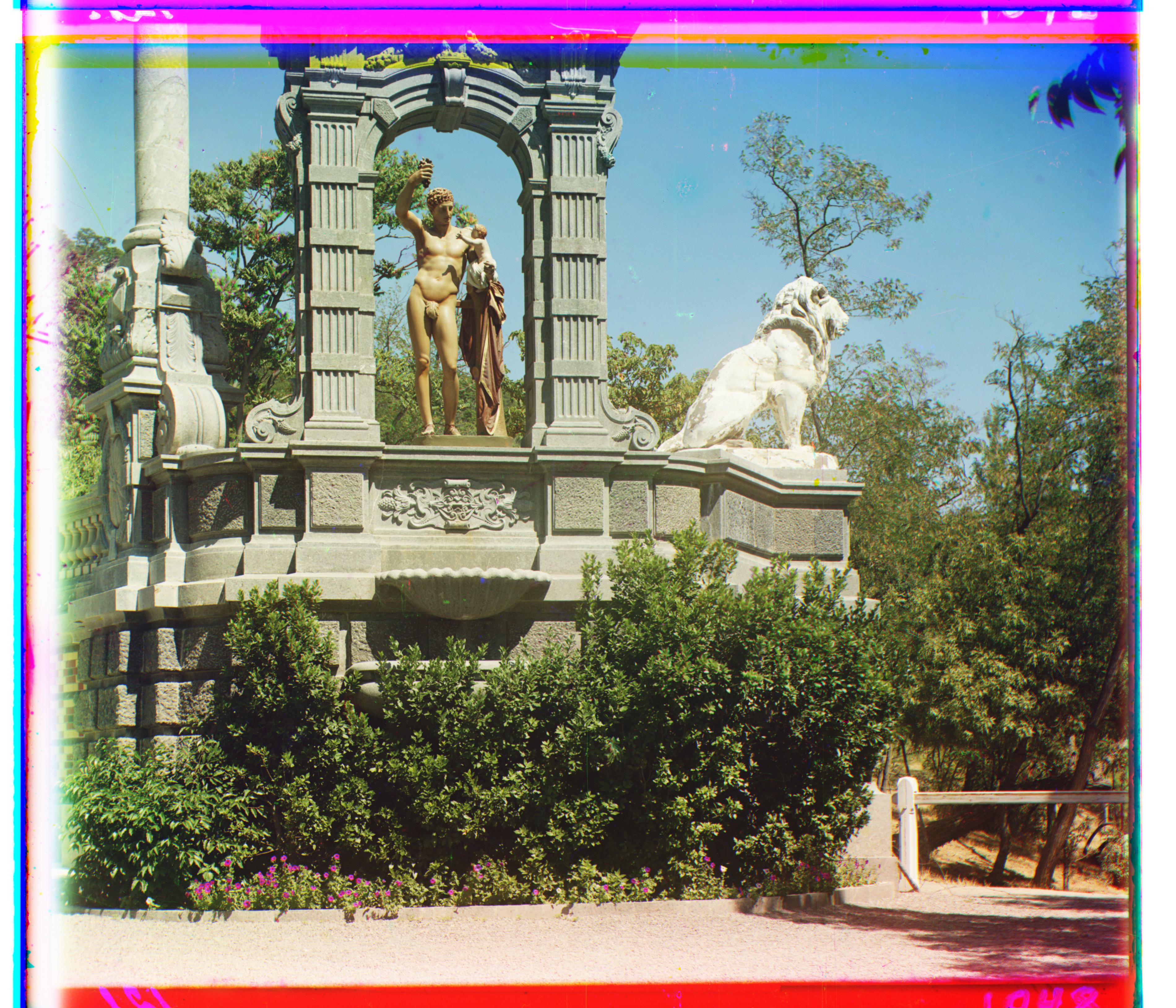
Searching mostly on small images makes the algorithm much faster than searching the full resolution. I initially used a Gaussian before downsampling to limit aliasing, but skipping the filter sped things up without hurting results much, so I downsampled directly for offset search. This worked well on almost every image I tried.
Bells and whistles
SSIM metric
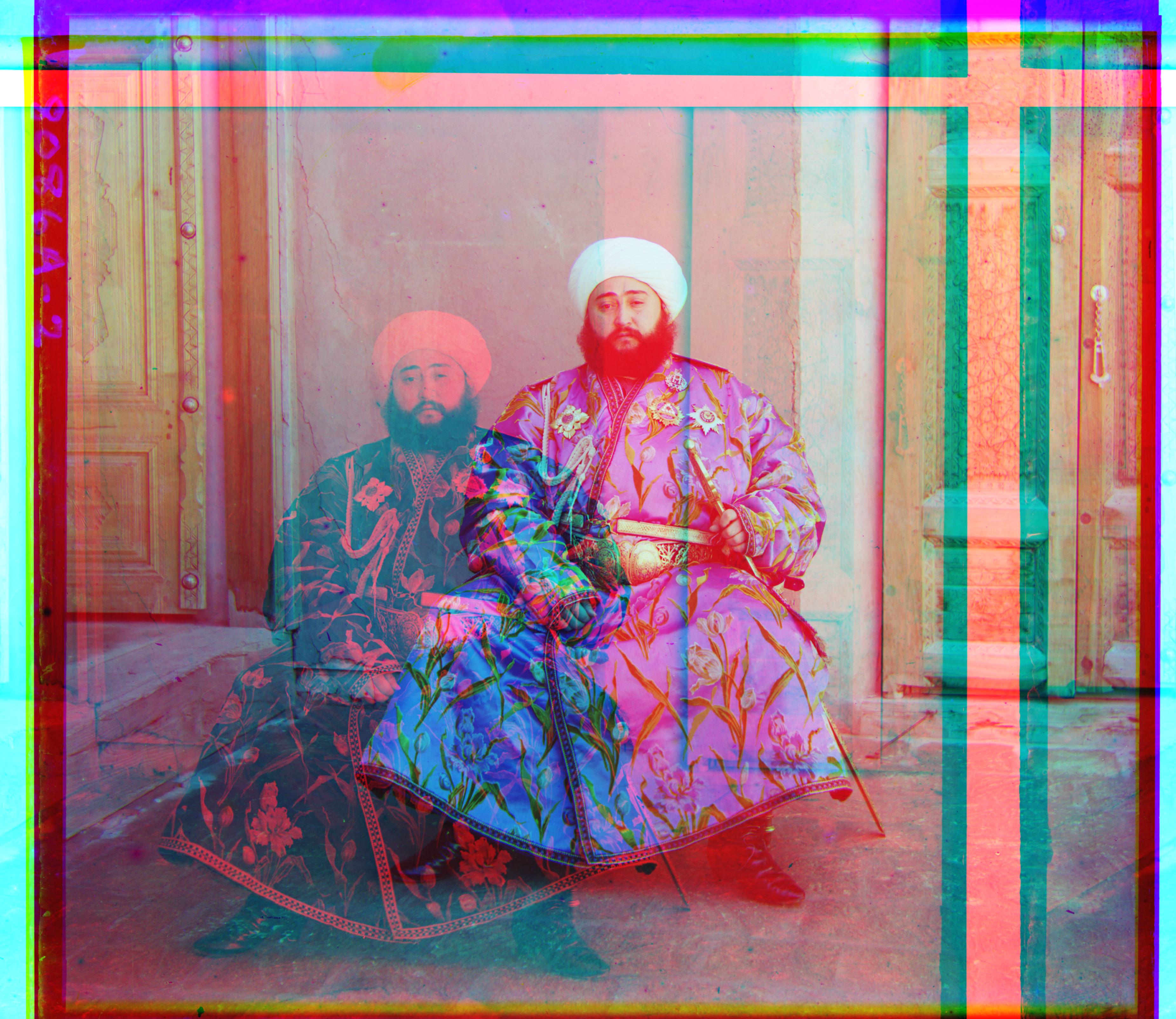
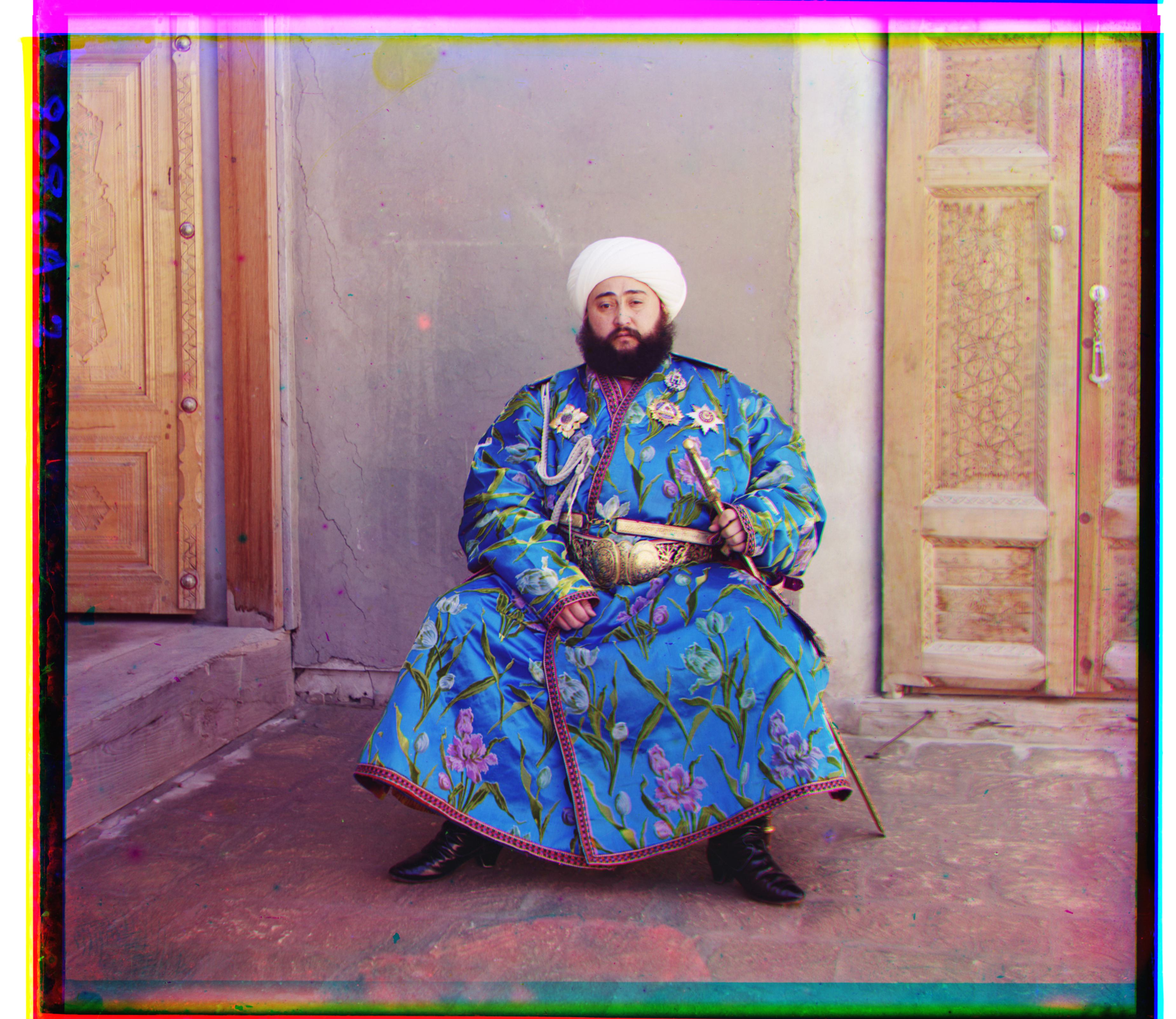
One difficult case was Emir: channel brightness differs enough that NCC aligned the red channel poorly.
Using the structural similarity (SSIM) metric produced a much better alignment for Emir and similar quality on the rest of the library.
SSIM compares luminance, contrast, and structure:
\[ \text{SSIM}(u, v) = \frac{(2\mu_u\mu_v + c_1)(2\sigma_{uv} + c_2)}{(\mu_u^2 + \mu_v^2 + c_1)(\sigma_u^2 + \sigma_v^2 + c_2)} \]
where:
- \(\mu_u\) and \(\mu_v\) are the mean pixel values of the two patches
- \(\sigma_u^2\) and \(\sigma_v^2\) are the variances
- \(\sigma_{uv}\) is the covariance
- \(c_1\) and \(c_2\) are small constants to avoid division by zero
Final results
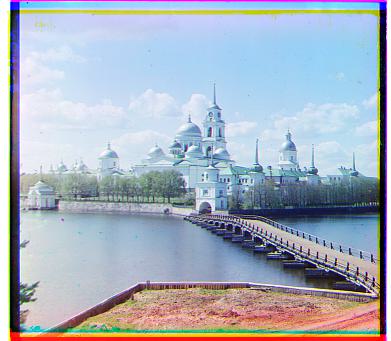
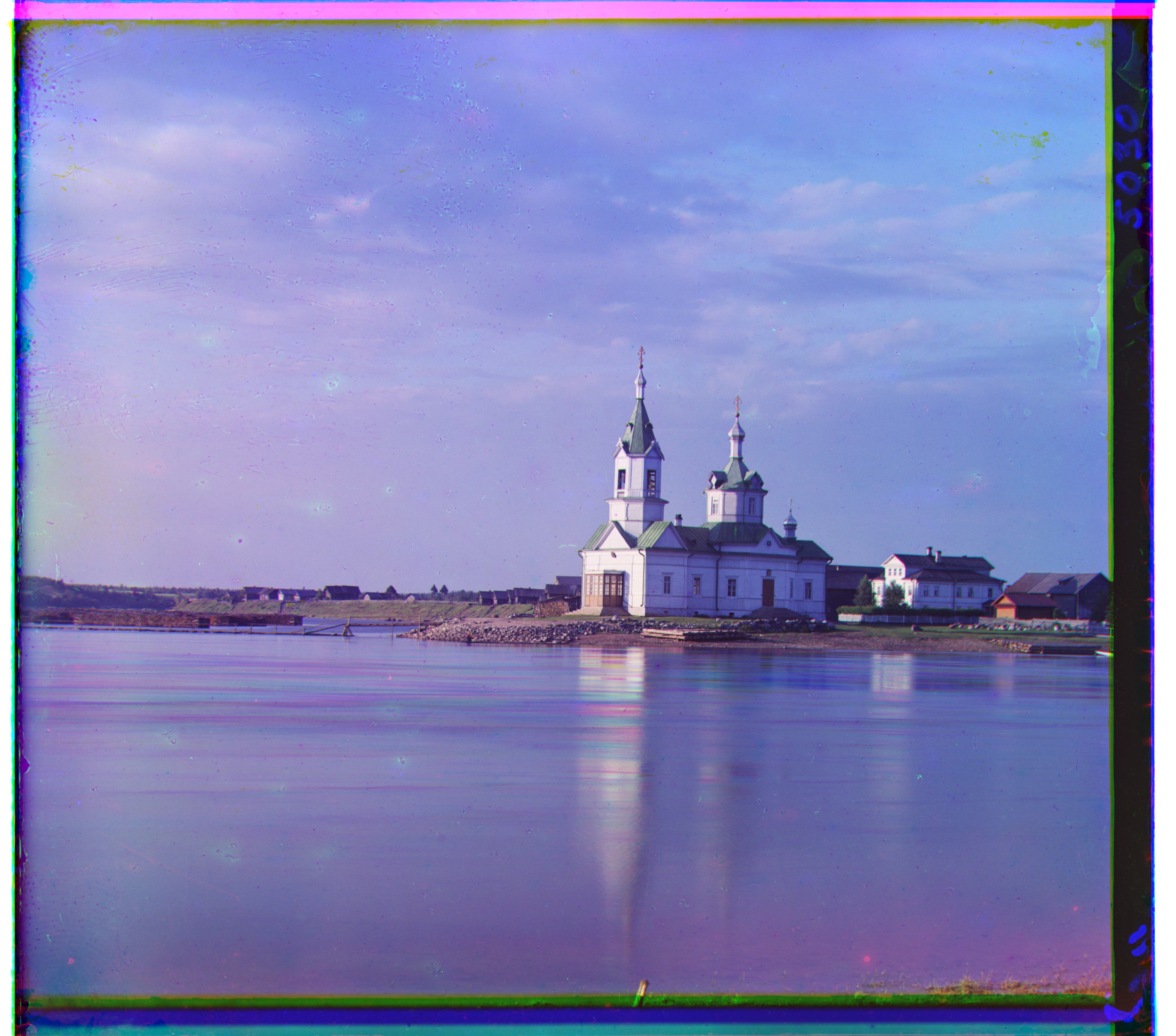
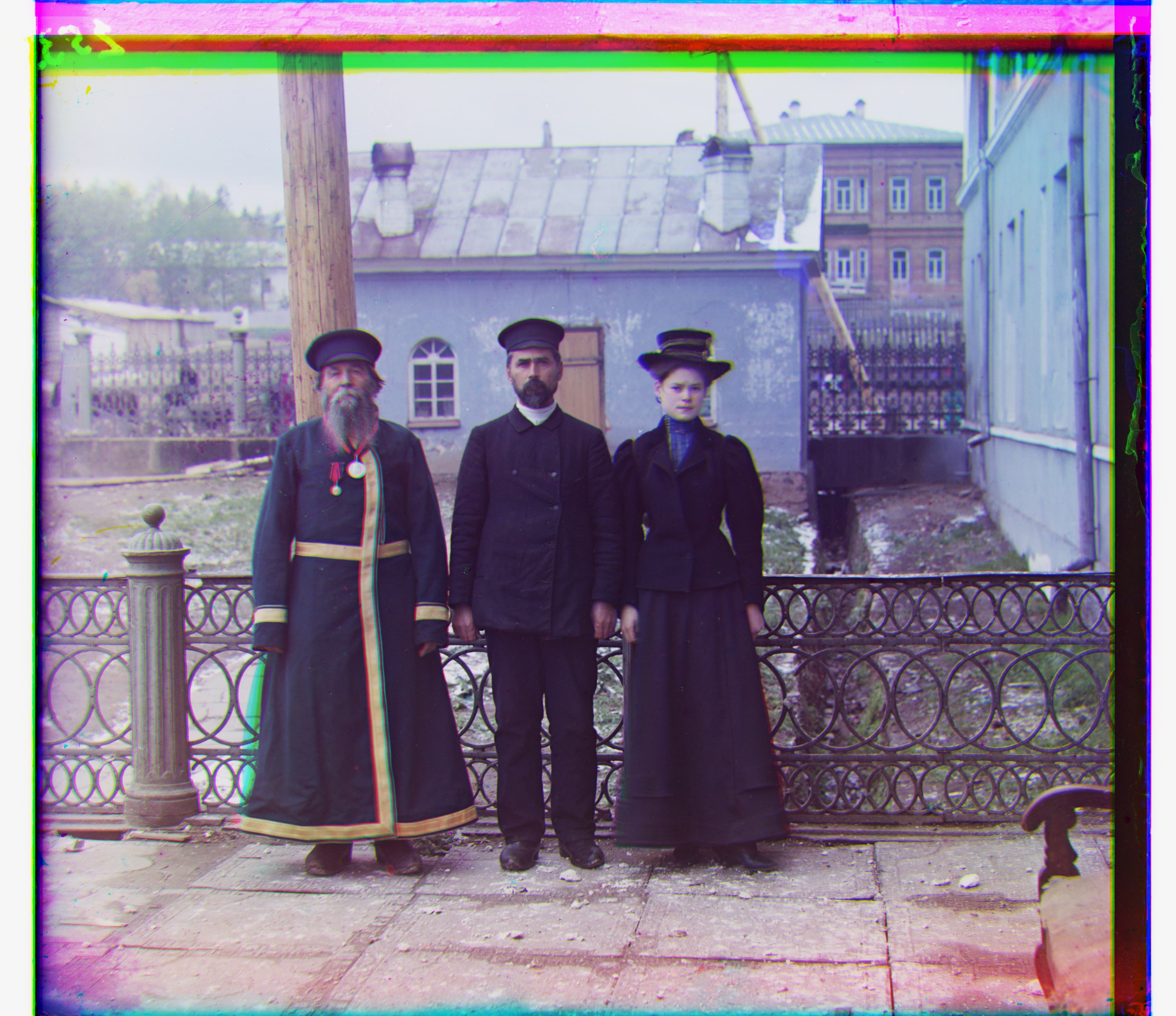
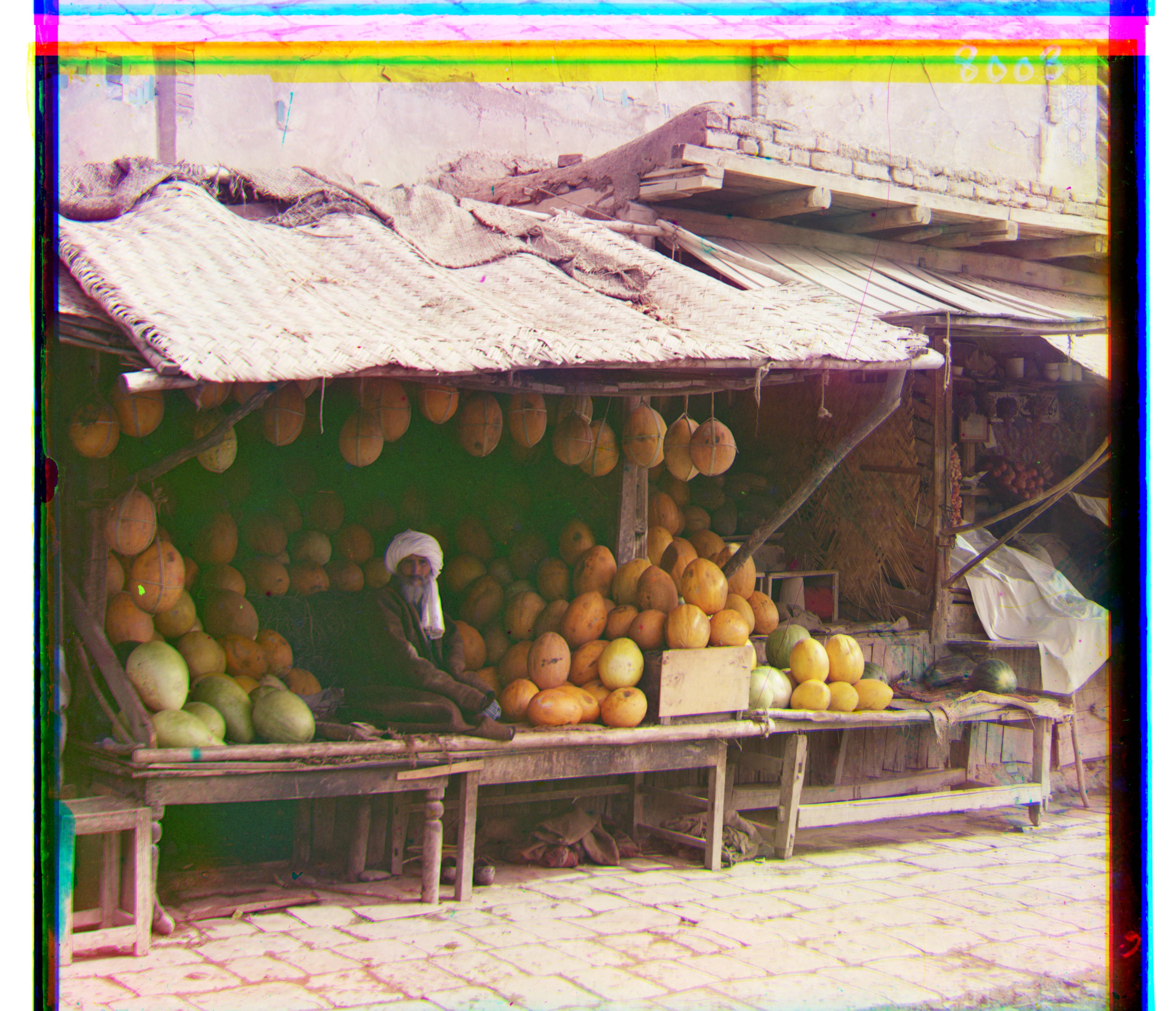
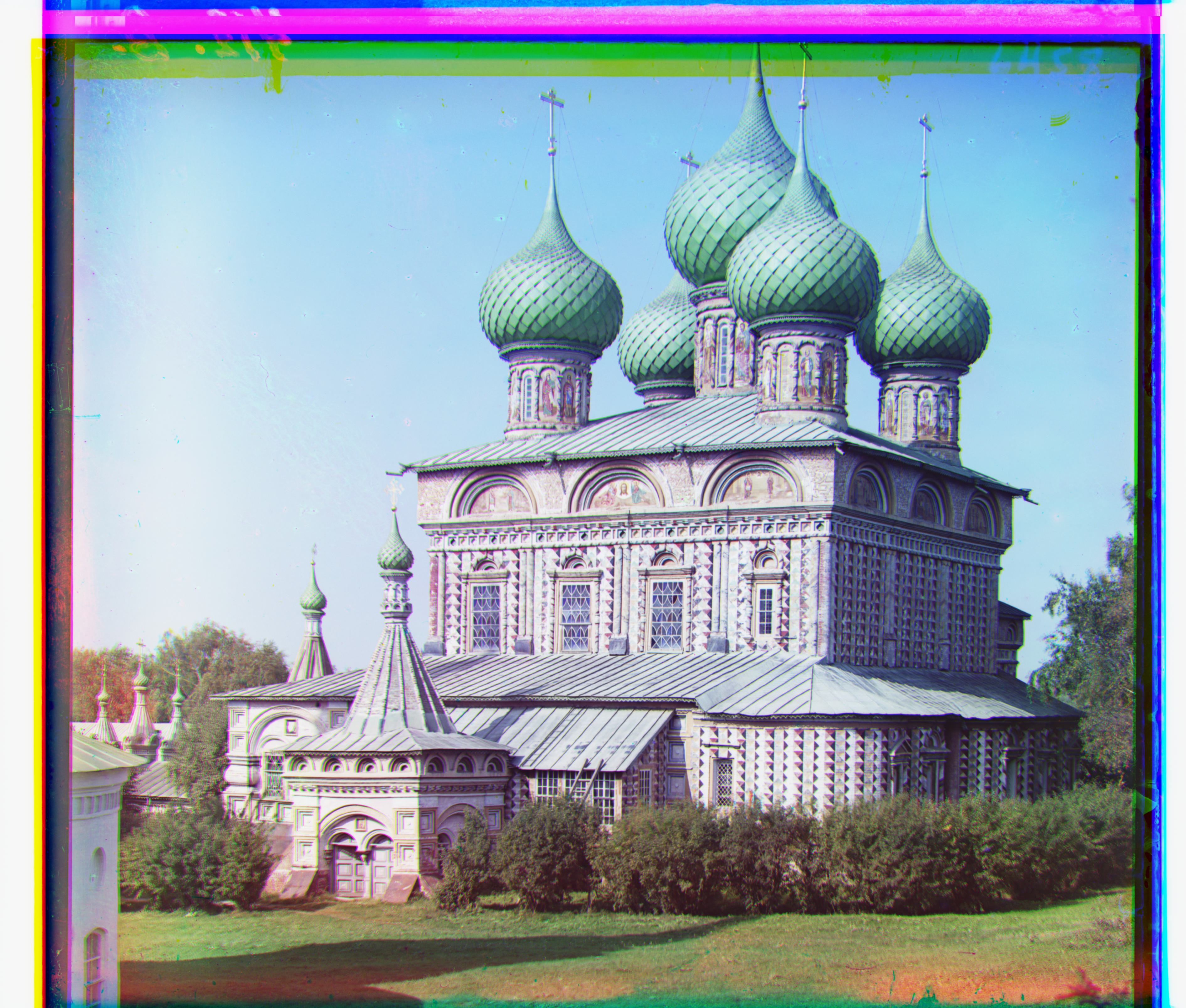
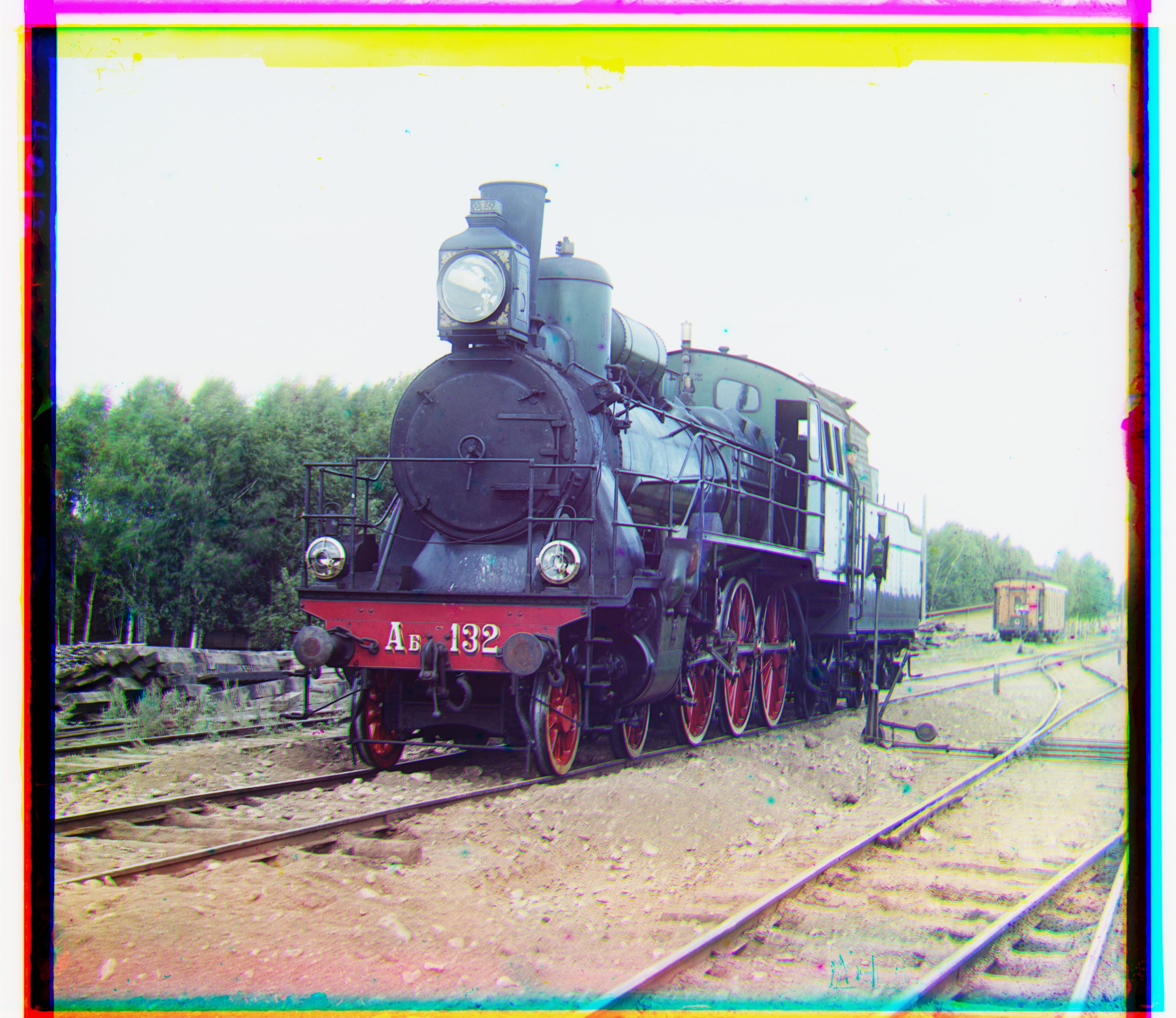
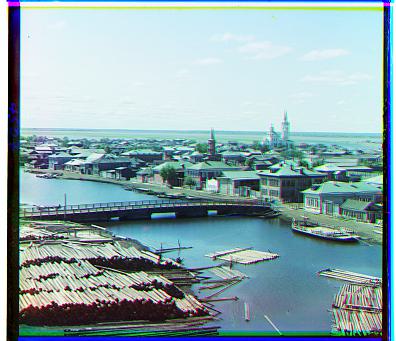
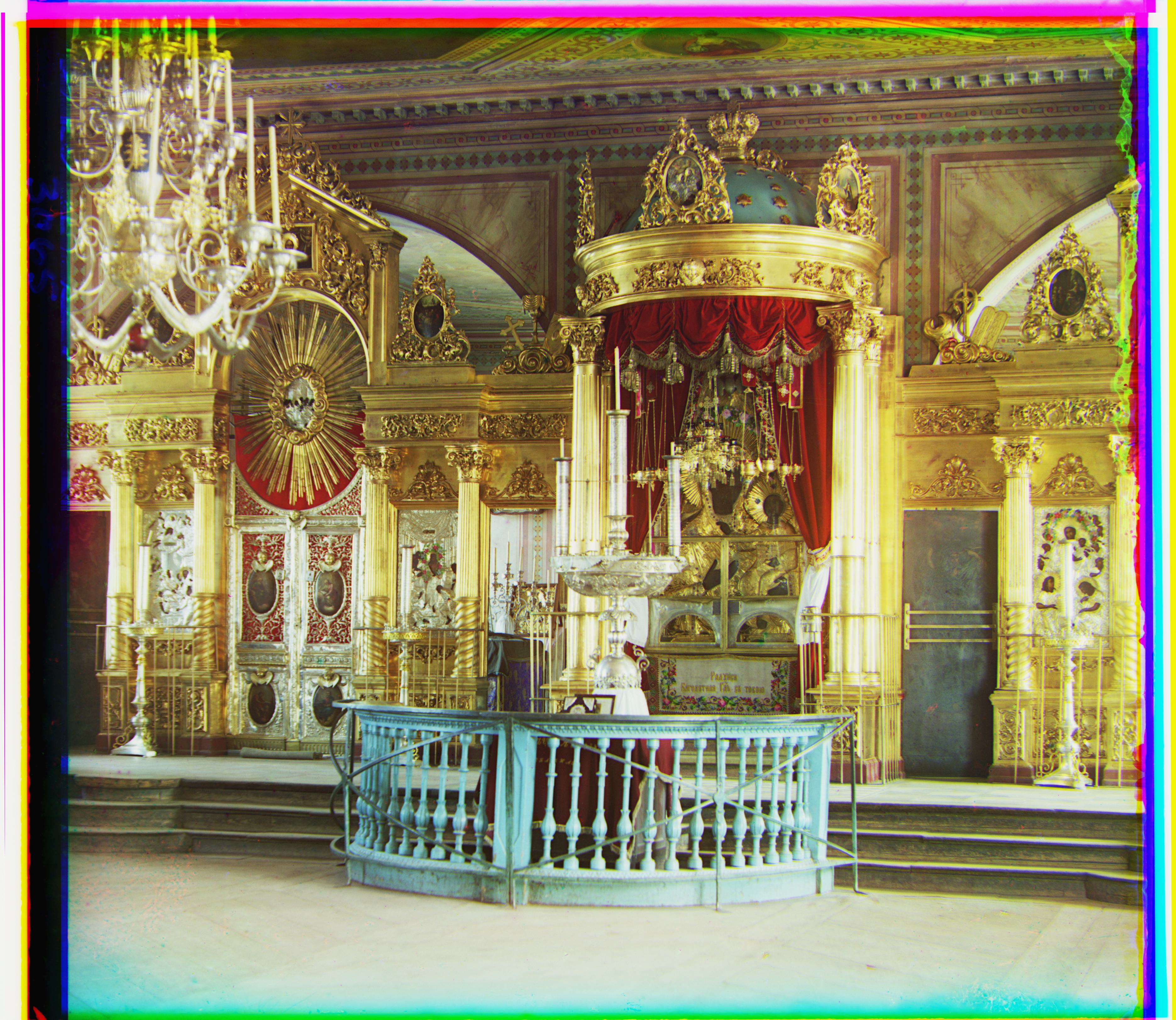
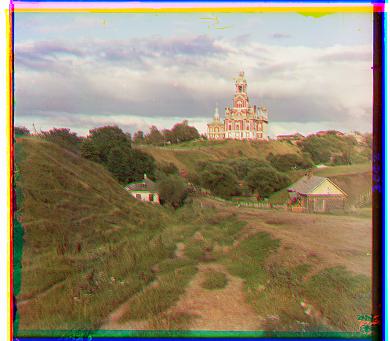
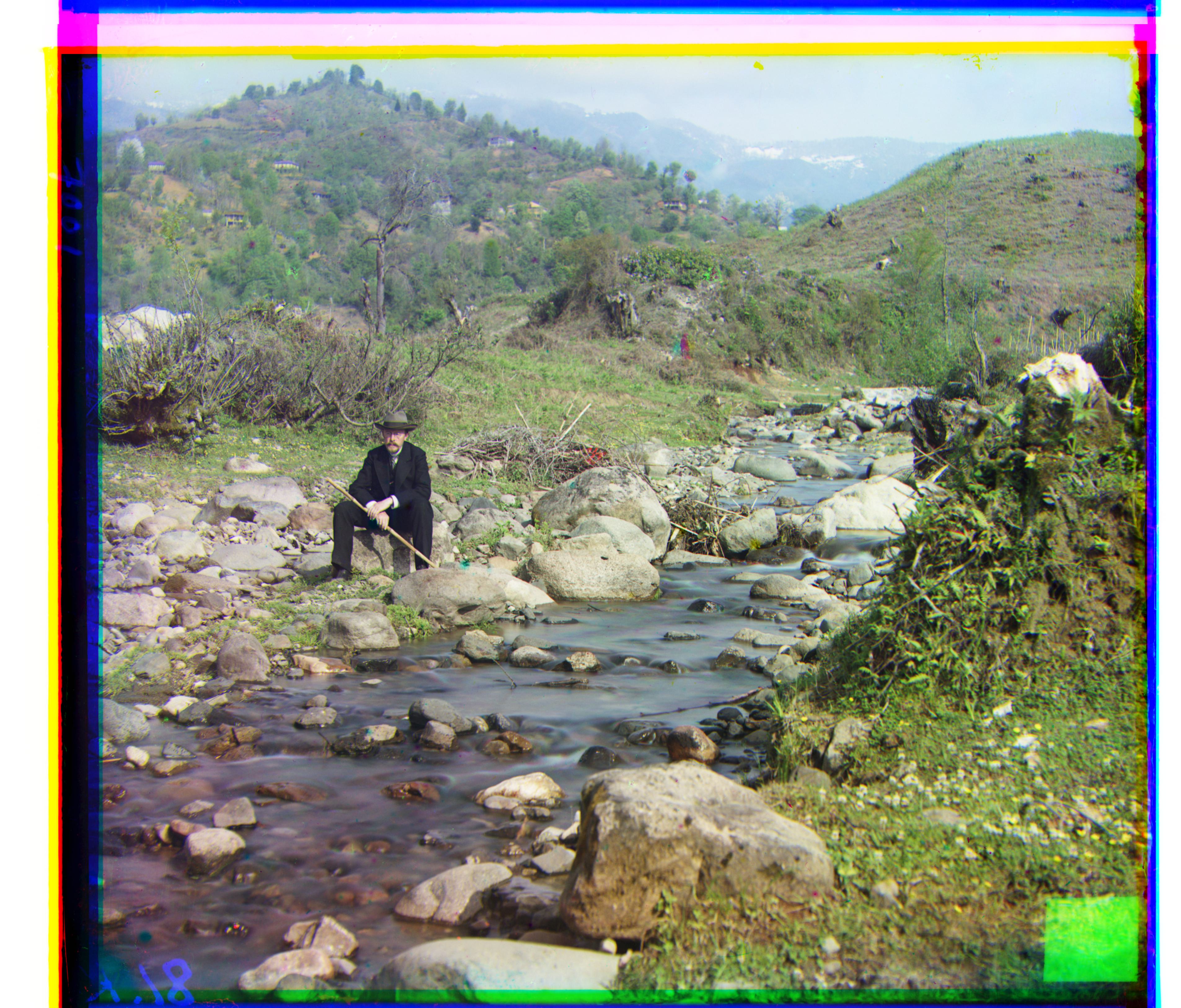
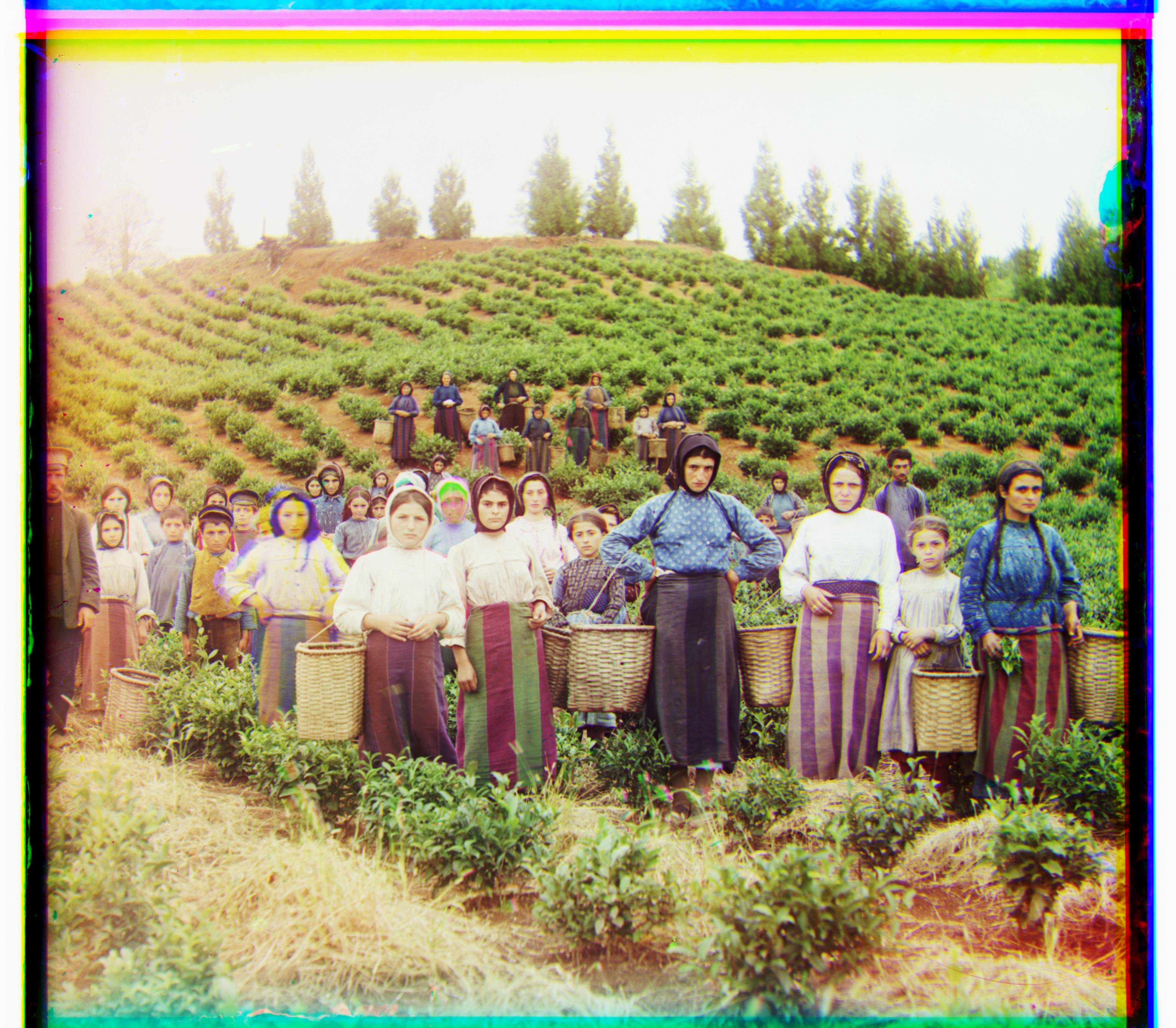
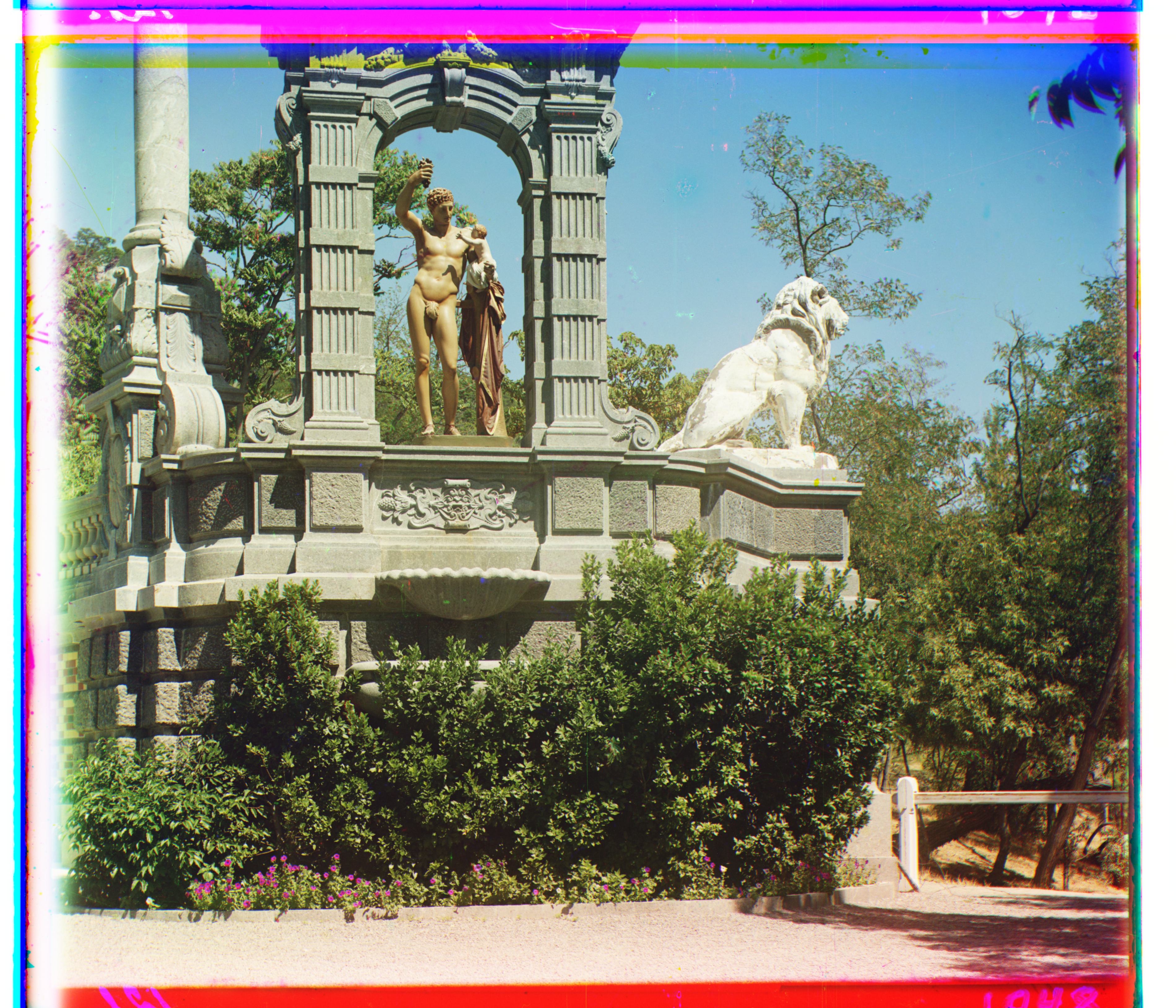
Pyramid alignment with SSIM on the full set of outputs: